Play Game feature enhanced with Maps and Game Link
The Play Game feature has been enhanced with Maps and a Game Link feature
Map Feature
The next time you create a new game through the mobile app, you will see a Map selection box in the initial creation screen.
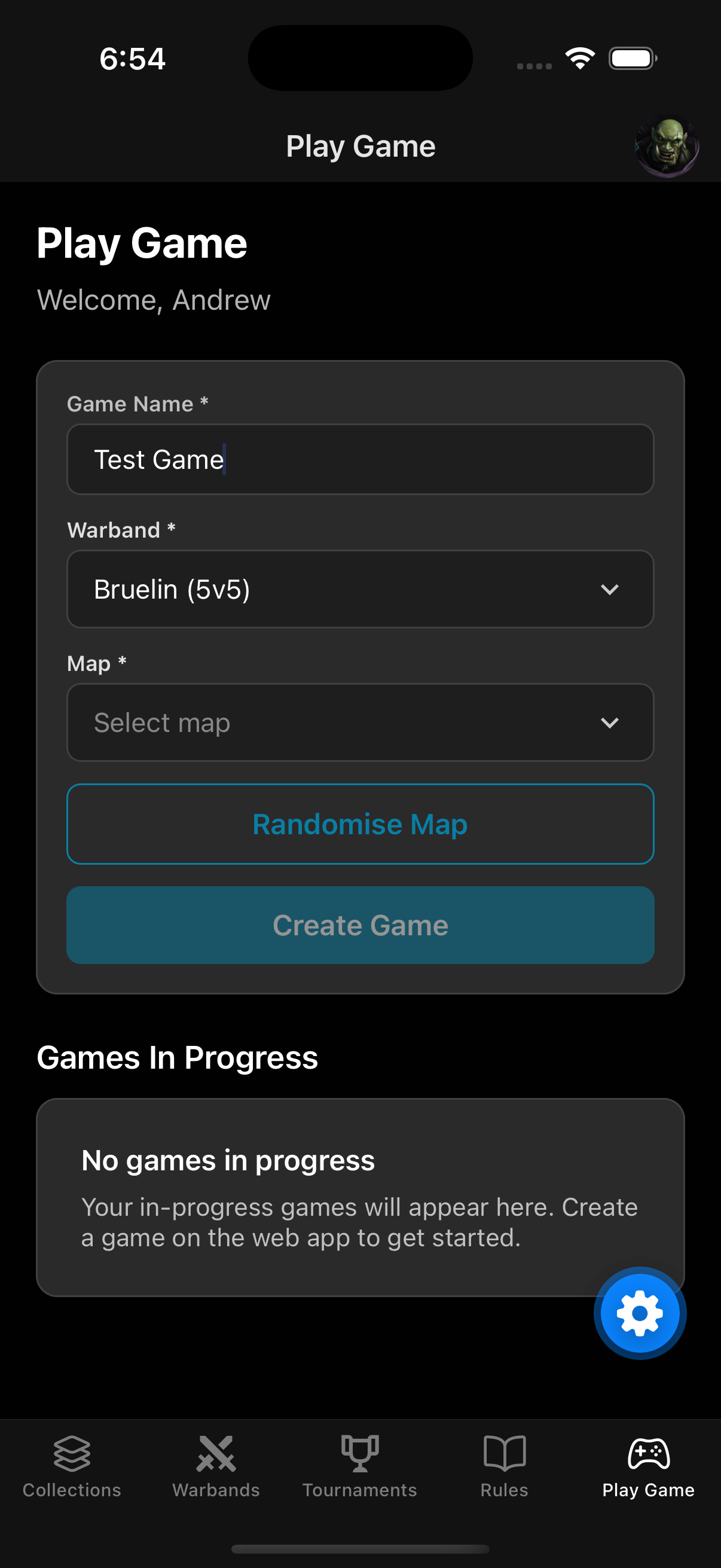
The drop down will be disabled until you select the game size and then it will pre-populate with the map options for that game size. You can either select a specific map or let the app randomise a map for you.
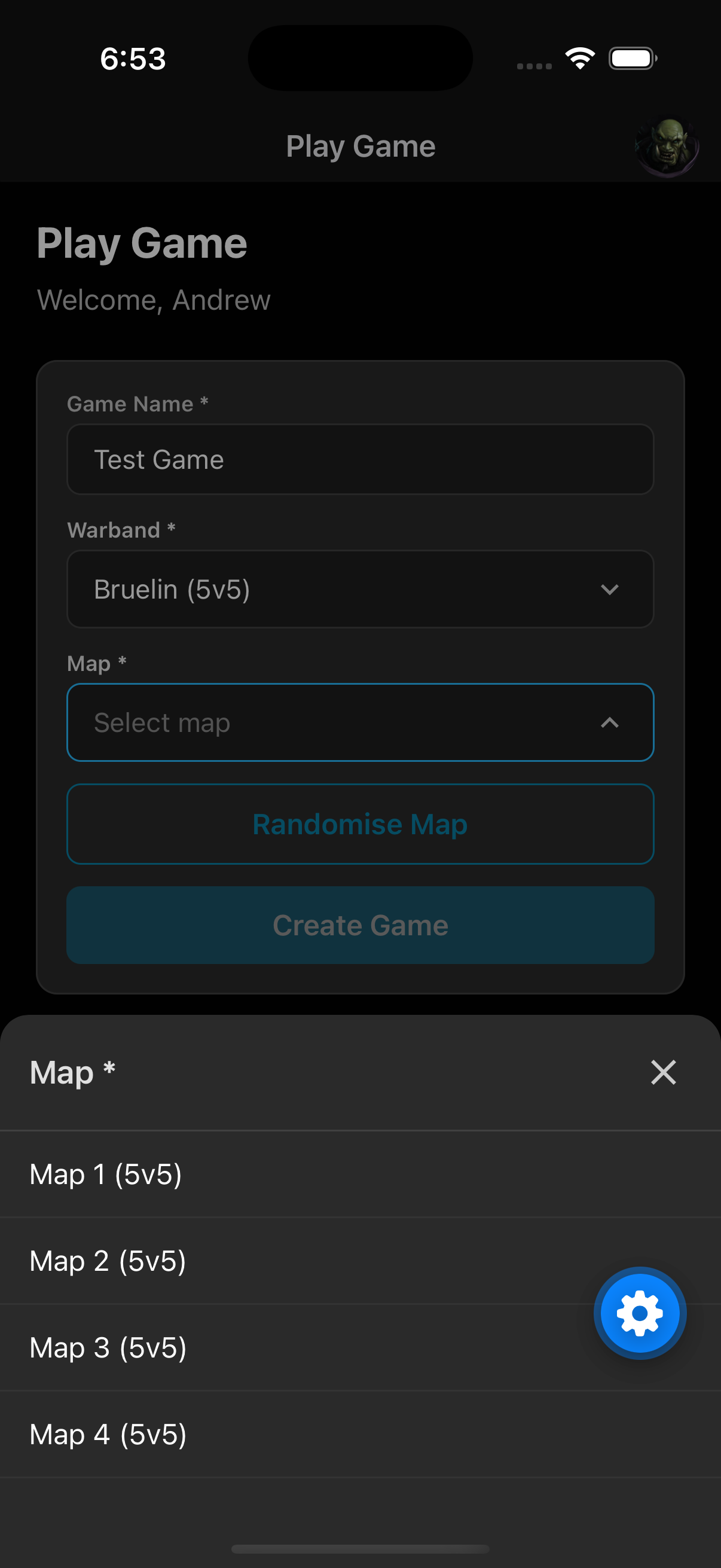
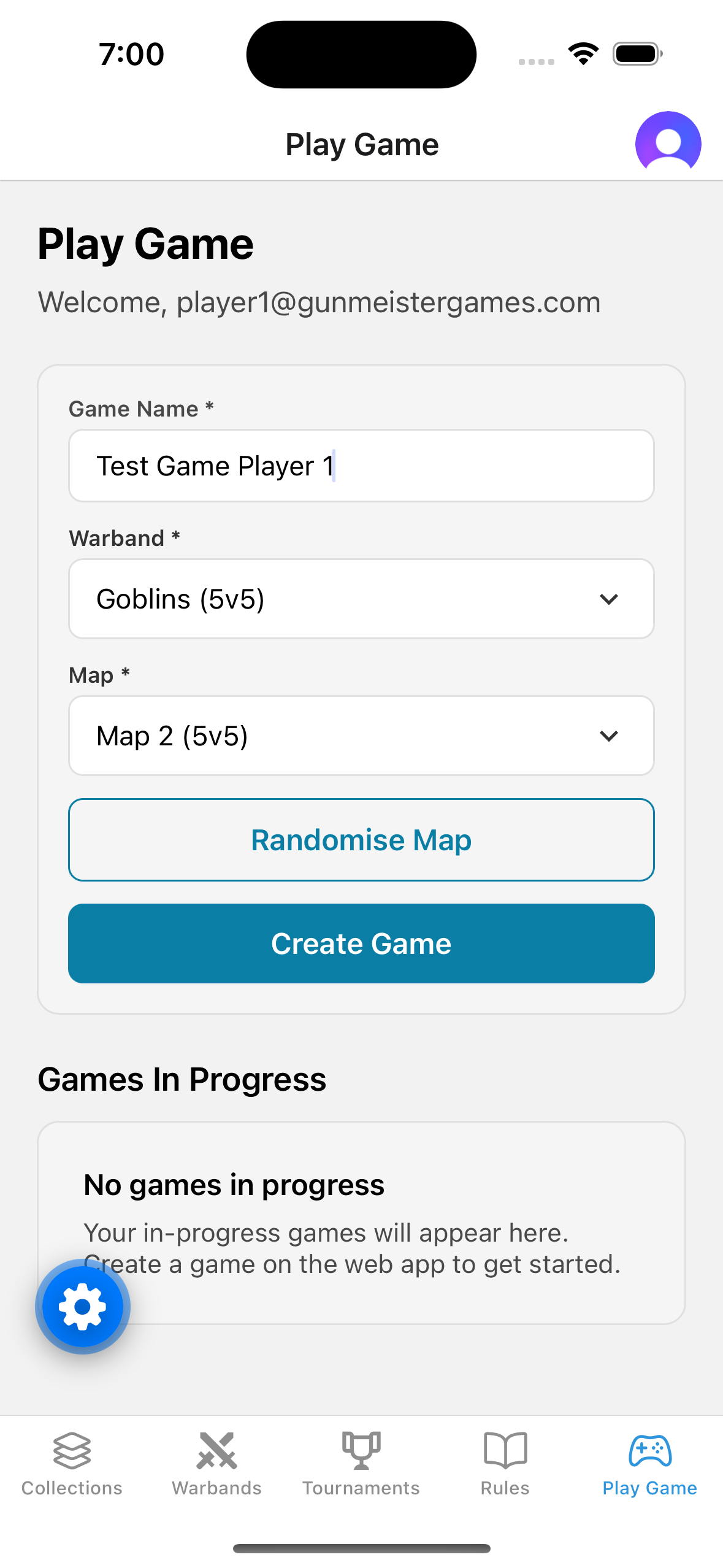
At this point, if your opponent is also using the app, they should create their game and make sure they select the same map as you.
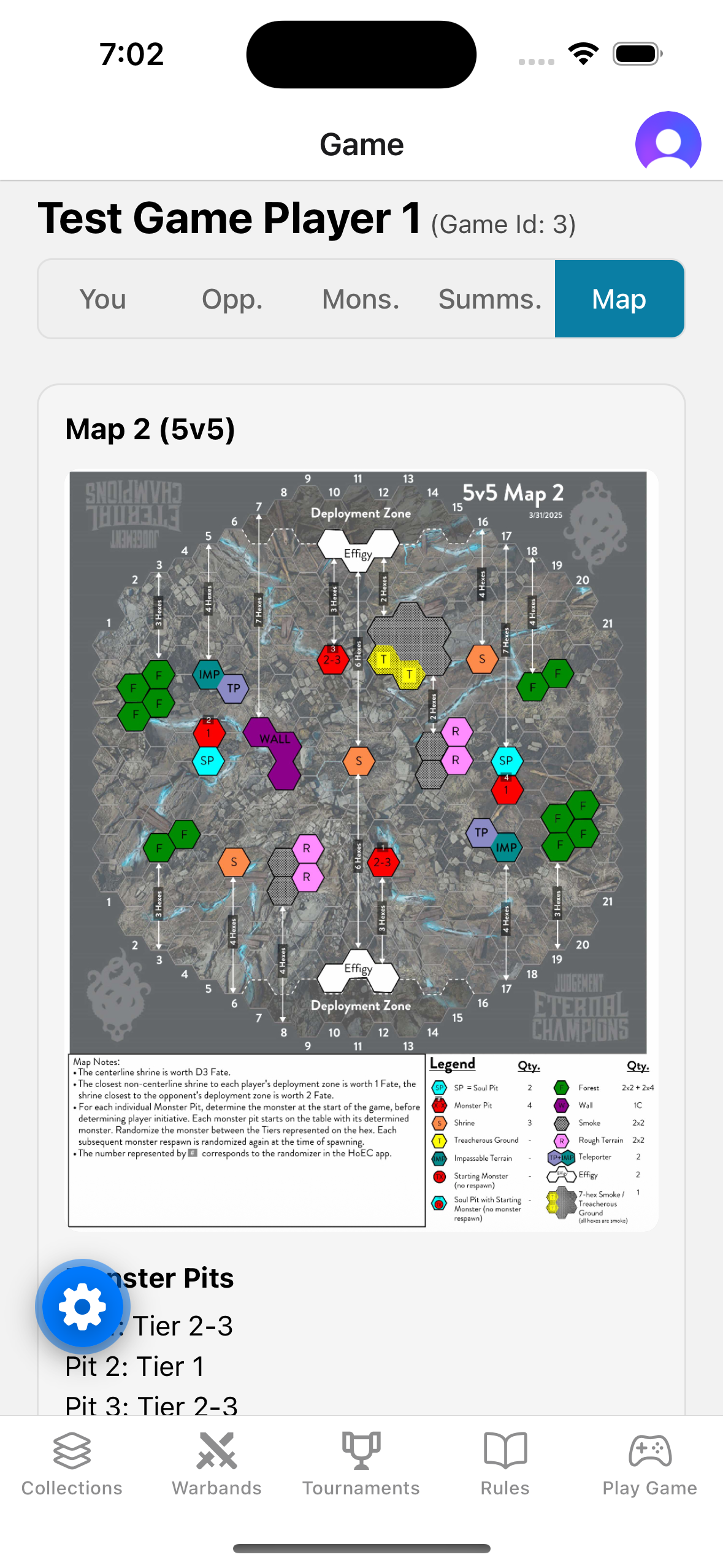
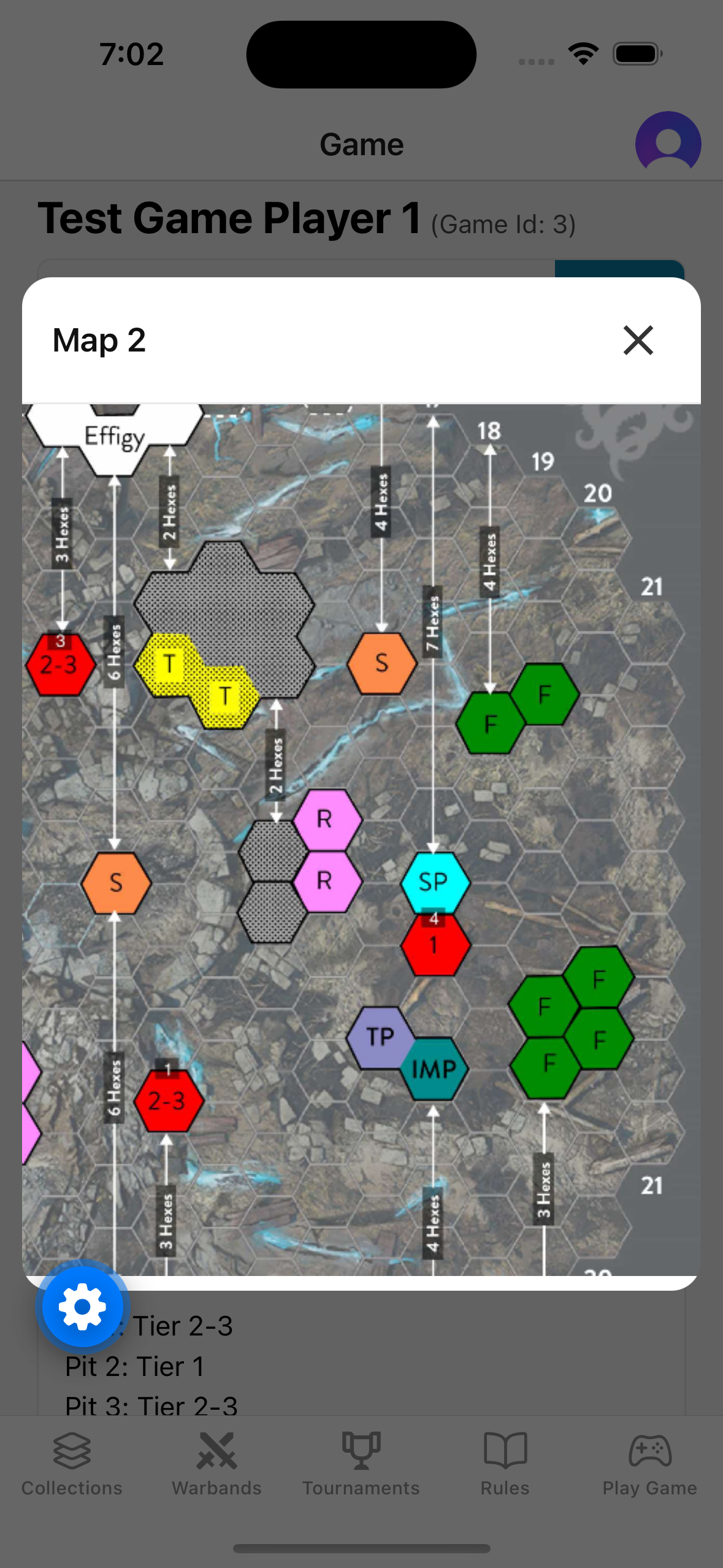
Both players will go through the pick & ban screen as per normal, but once the game has started, there is a new “Map” panel that displays the map image along with specific information about the map. You can click on the map to open a dialog that lets you zoom into the map.
Link Game Feature
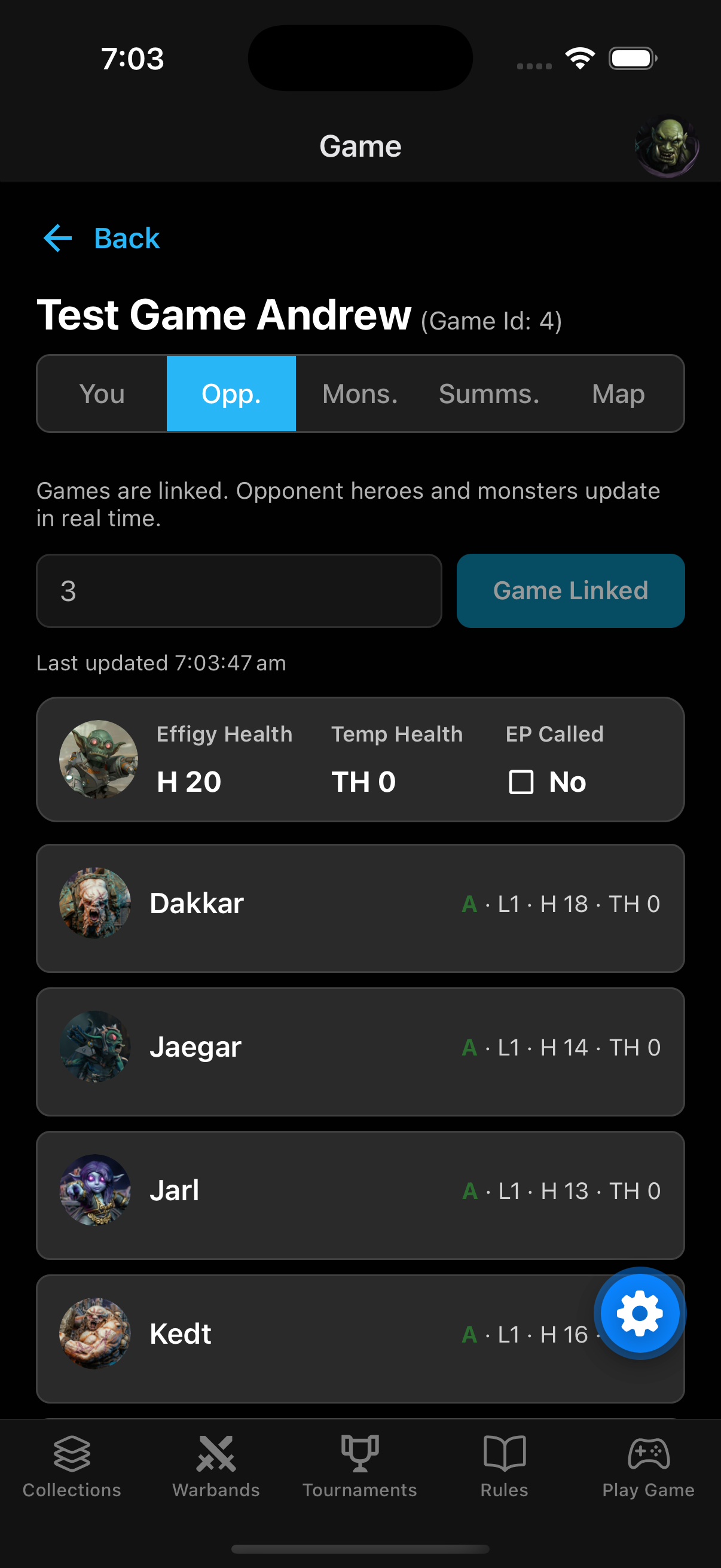
We have replaced the game observer mode with a hard game link feature. Selecting the Opponent tab now presents the ability to link your game with your opponent.
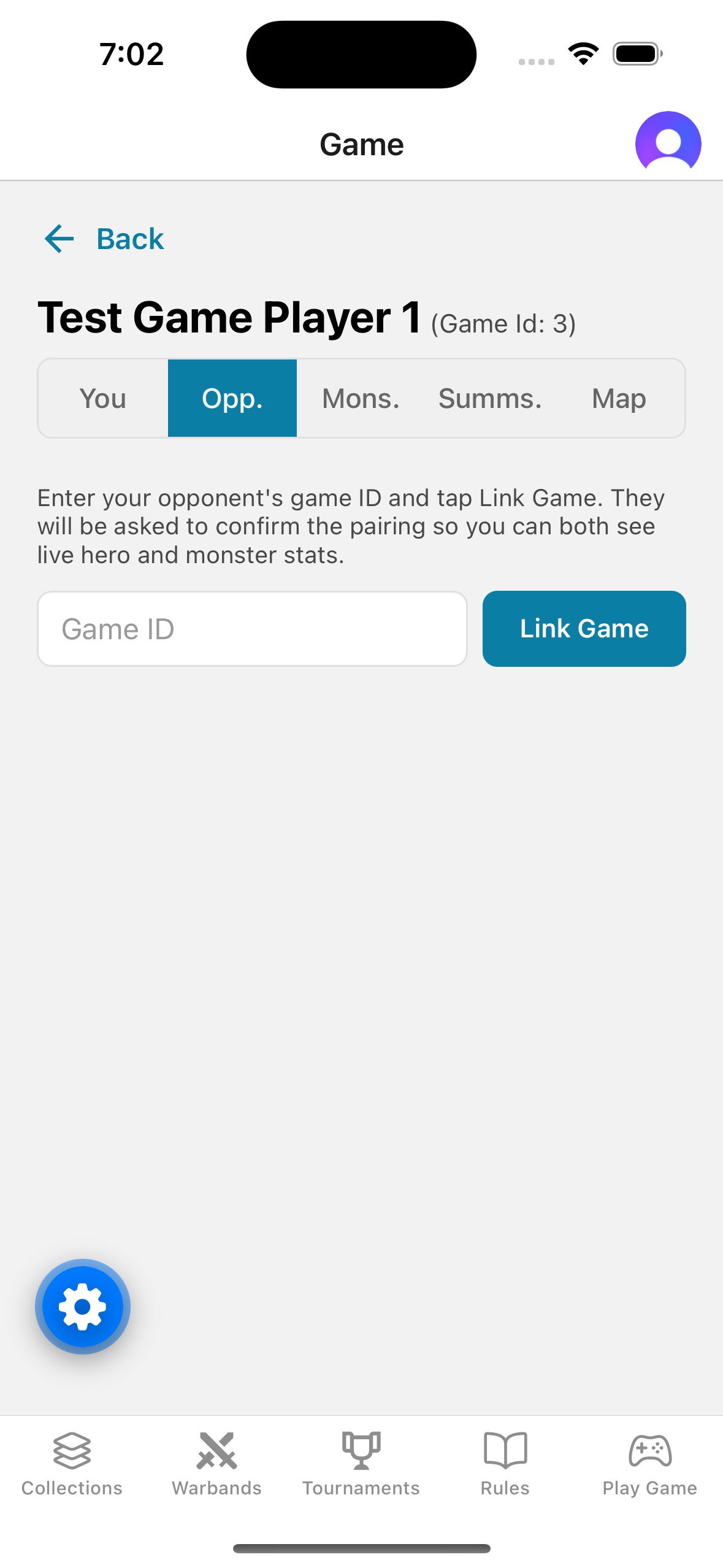
Once you enter your opponent’s game ID and click the “Link Game” button, their screen will refresh and enable them to Confirm the linking. Once both players confirm, the games will be linked in the database and the game ID field and associated button will be disabled.
Completing Battles
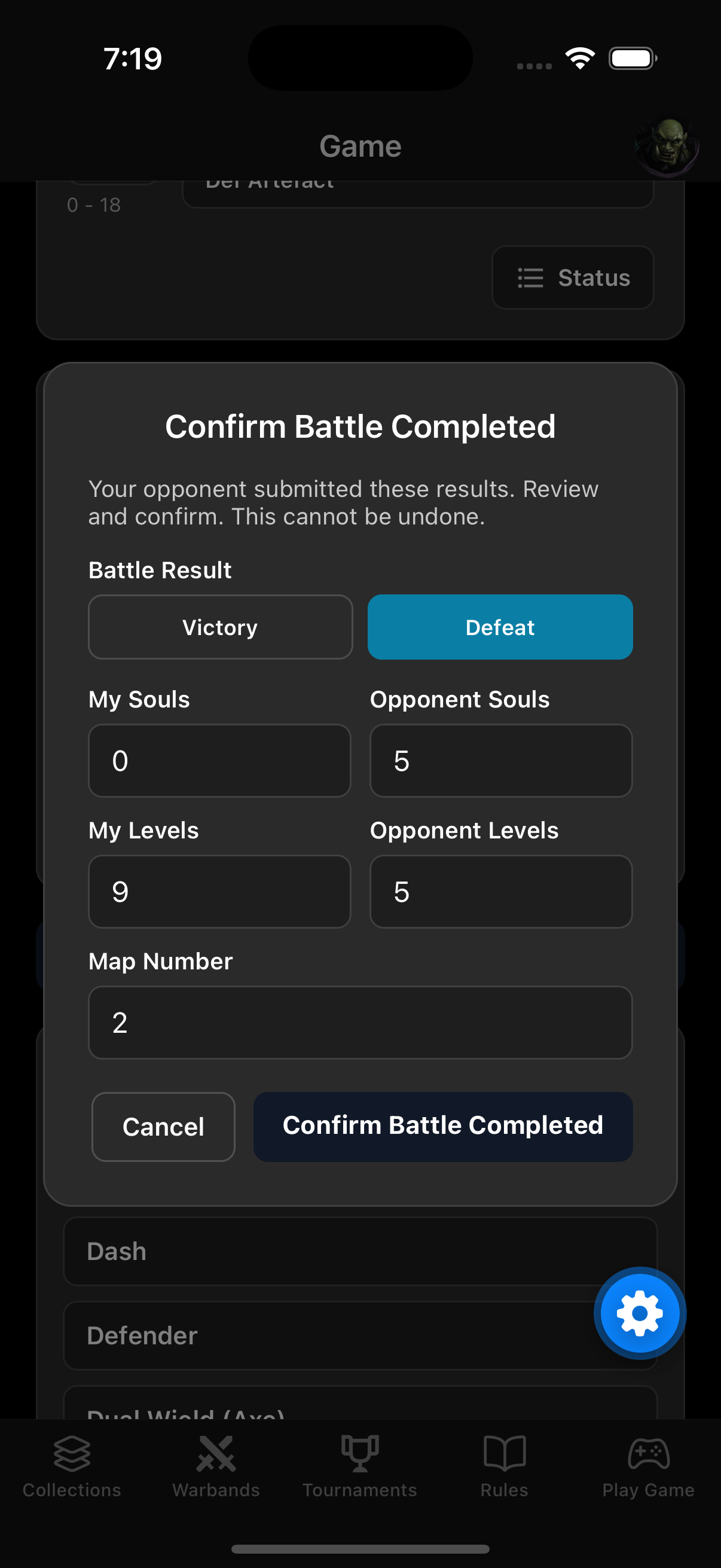
The Complete Battle feature has also been enhanced from the Link Game feature. When a player completes their battle, the form automatically calculates the levels of their opponent’s Warband. Note, as Souls are not current tracked on the app, you still need to manually enter the number of Souls.
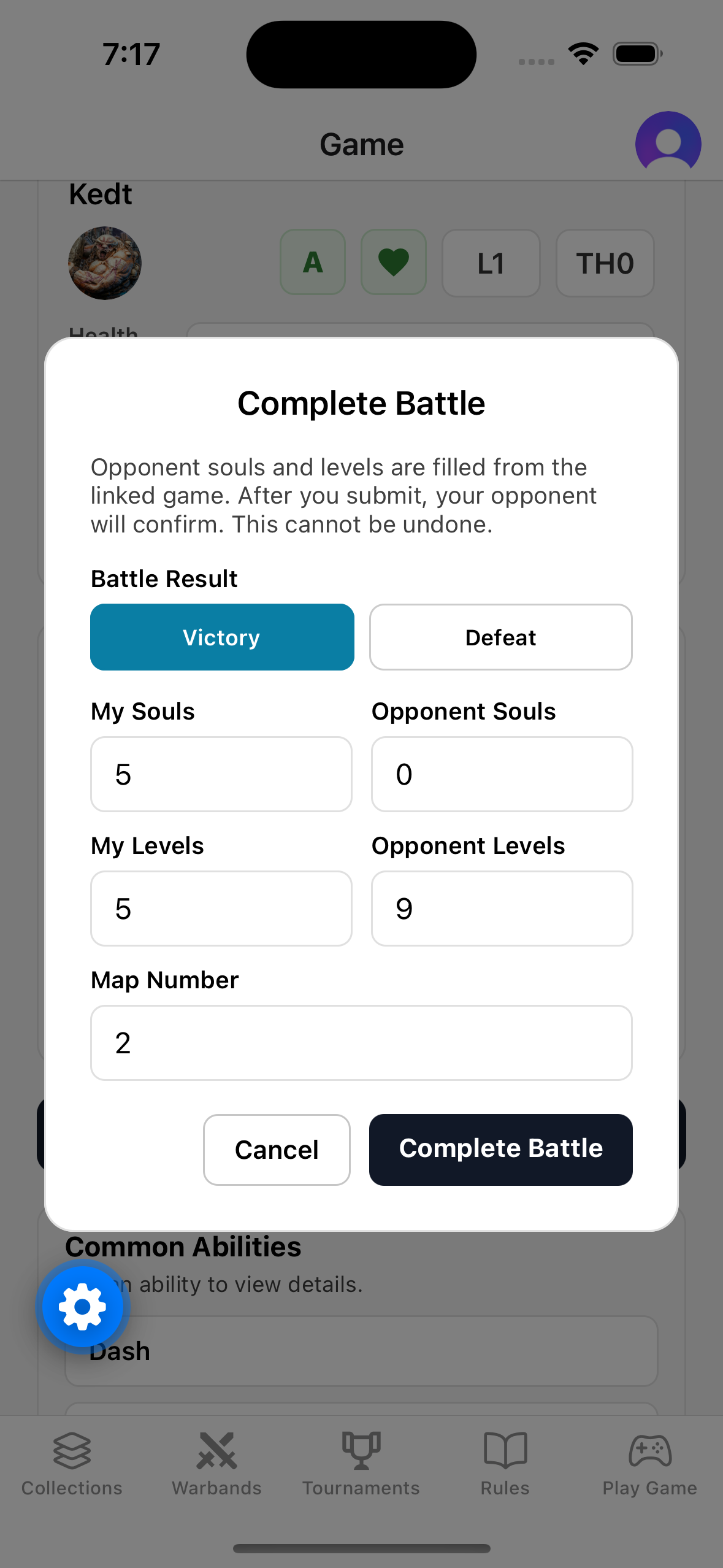
When your opponent then completes their battle, the form will prepopulate with whatever you entered and they will be asked to confirm the completed battle.
What’s Next?
These new features make it much easier for us to collect and report on in-game statistics and we encourage everyone to use the Link Game feature and complete their battles through the apps. Once we have meaningful data, we will display them on the Hall of Eternal Champions web app.